
Empowering Medical Outreach with Precision

Streamline data, manage events, and coordinate volunteers with ReachPoint. The all-in-one platform designed for modern medical missions.
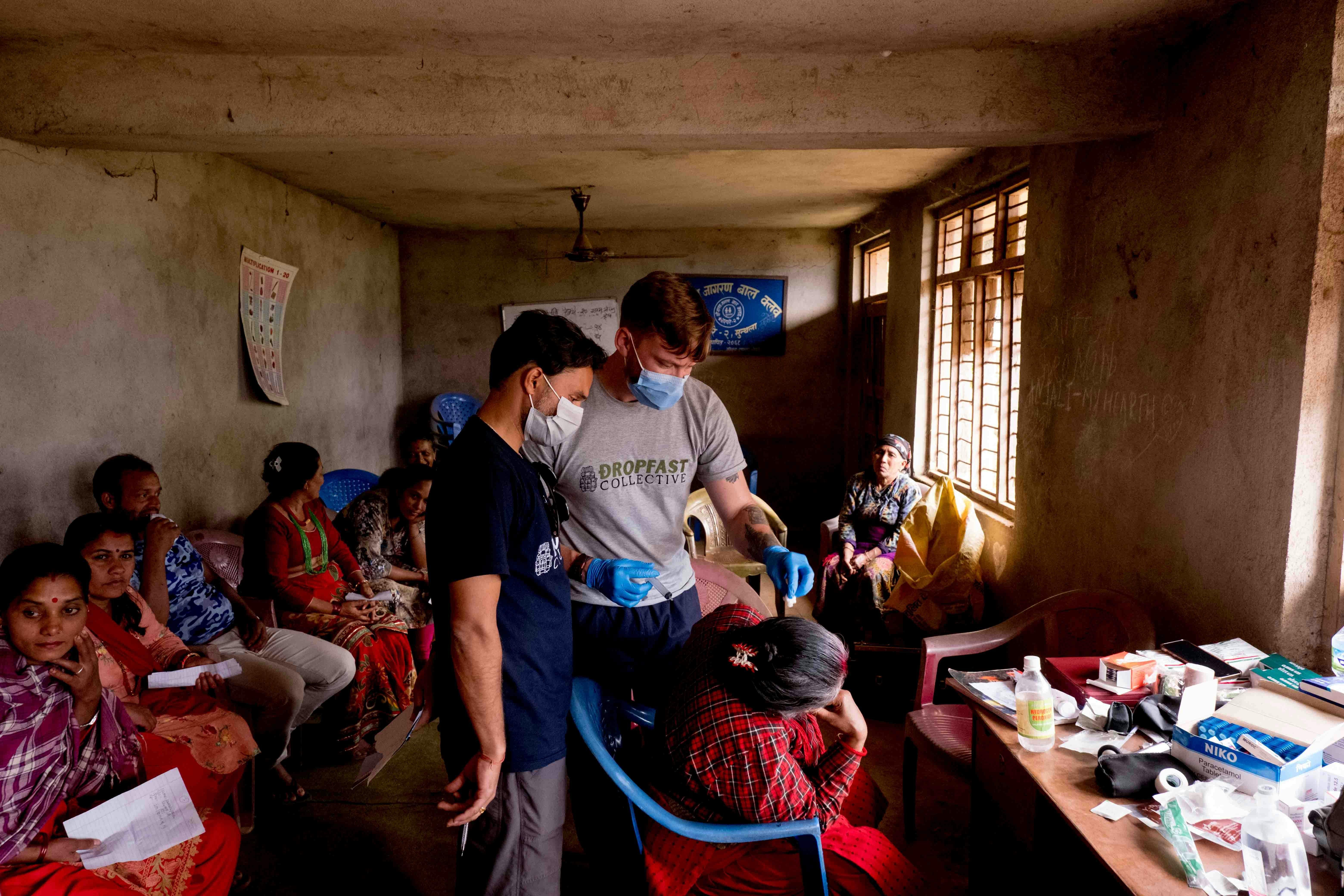
Medical team
50+Countries Reached
10k+Volunteers Managed
1M+Patient Records
99.9%Uptime Reliability

About Us

Bridging the Gap in Healthcare

ReachPoint was founded by medical professionals who saw a need for better tools in the field. We are dedicated to providing secure, efficient, and user-friendly technology to organizations making a difference.

Global Reach

Connecting medical teams with communities in over 50 countries, ensuring no location is too remote for quality care.

Our Mission

To empower outreach programs with the data they need to save lives, reducing administrative burden so focus remains on care.

Trusted Security

HIPAA-compliant data management you can rely on. Your patient data is encrypted, backed up, and secure.

Platform Features

Everything you need to run your outreach
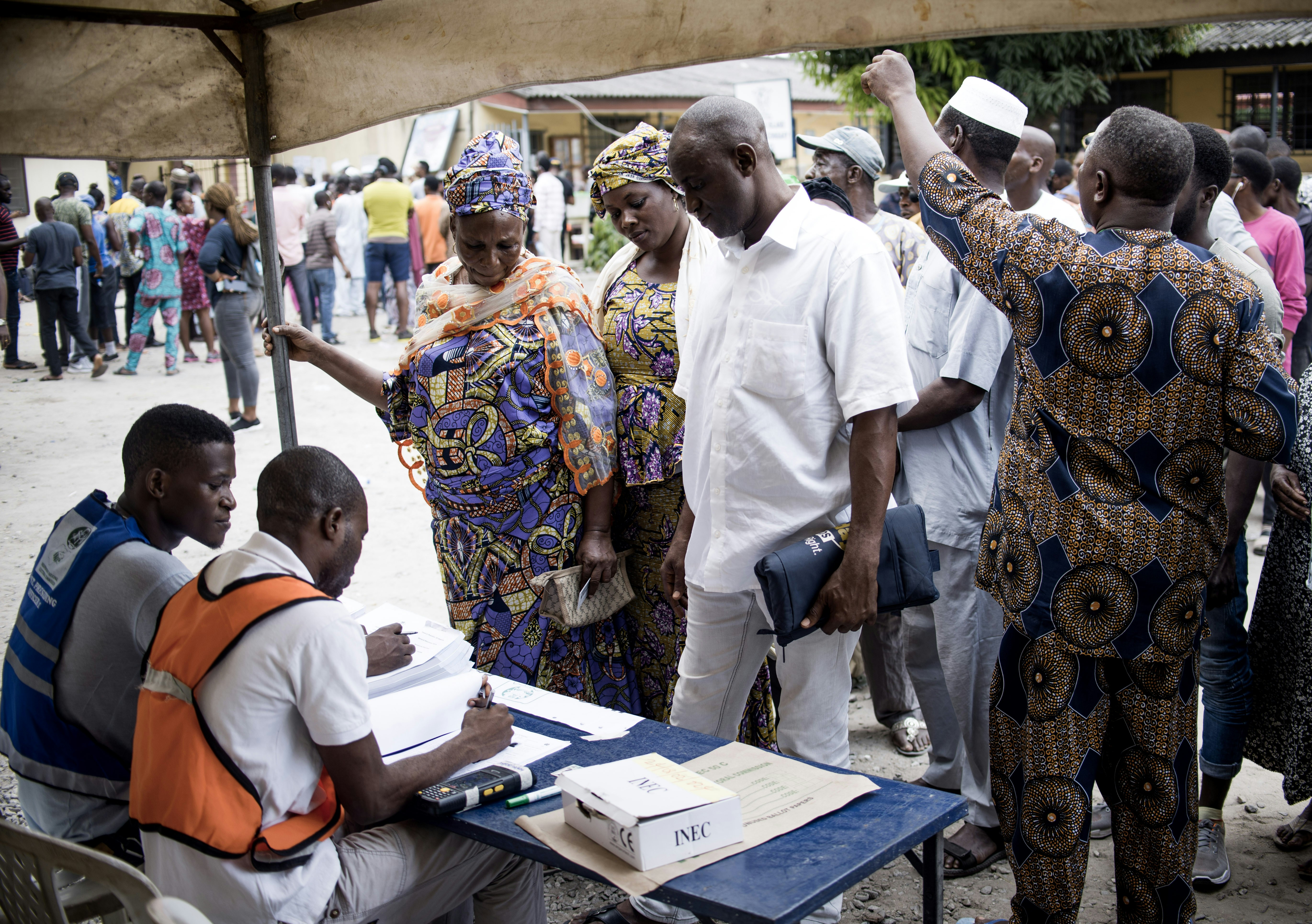
Data Management

Data Management

Secure, HIPAA-compliant patient and event data storage. Digitize your intake forms, track patient history, and maintain continuity of care across different outreach events.

  • Cloud-based centralized records
  • Offline mode for remote areas
  • Customizable patient forms
Real-time Reporting

Real-time Reporting

Instant analytics to measure impact and resource allocation. Generate reports for stakeholders with a single click and visualize your outreach success.

  • Impact visualization dashboards
  • Resource inventory tracking
  • Donor-ready PDF exports

Frequently Asked Questions

Everything you need to know about ReachPoint.

Does it work offline?

Yes! ReachPoint is built as a Progressive Web App (PWA). You can collect data in remote areas with zero internet. The system automatically syncs your records to the secure cloud the moment you regain connectivity.

Is my patient data secure?

Security is our foundation. All data is encrypted in transit and at rest. We use strict Role-Based Access Control (RBAC), ensuring that volunteers only see what they need to see, while sensitive admin data remains protected.

How do I add my team members?

Once your Event has been approved, you can share your gated link to Team Members right from your Dashboard. This allows them to fill in data without waiting manually for approval.

Can I export data for analysis?

Yes. ReachPoint features a “Research-Ready” export engine. You can download your entire dataset as a clean CSV/Excel file, pre-formatted for immediate analysis in tools like SPSS, Python (Pandas), or R.

How do I know if my event has been approved or rejected?

Your “My Projects” page shows a live status badge on every event card — Pending Review (amber), Approved (green), or Rejected (red). When an admin approves or rejects your submission you are also notified automatically by email, so you never have to keep checking back manually.

Can patients receive their results directly by email?

Yes. After recording a participant’s data, you can send them a professional results email directly from the platform with one click. The email is automatically formatted as a branded health report which includes a results table with reference ranges for common vitals and tests so patients have a clear, readable summary of their screening.

Does ReachPoint support inventory tracking?

Yes — inventory tracking is optional and built right into the Event Builder. You can add medical supplies (drugs, consumables, equipment) to your event, set opening stock quantities, and the system will automatically deduct usage each time a patient record is saved during the outreach.

Can I use a template to build my form quickly?

Absolutely. The Form Builder includes Quick Start Templates for common outreach scenarios such as General Screening, Blood Drive, Eye Clinic, and more. Selecting a template pre-fills your form with the most relevant fields, which you can then customize to suit your specific event.

Can I control how fields are laid out on the form?

Yes. Each form field in the builder has a Width setting — full width (spanning the entire row) or half width (two fields side-by-side in a single row). A live preview updates instantly so you can see exactly how the finished form will look before publishing.

Ready to transform your outreach?

Join thousands of medical professionals using ReachPoint to make a bigger impact. Get started for free today.

Ready to Transform Your Outreach?

Get in touch with our team to schedule a demo or discuss your specific needs.

Online